
Try your next
nail color.
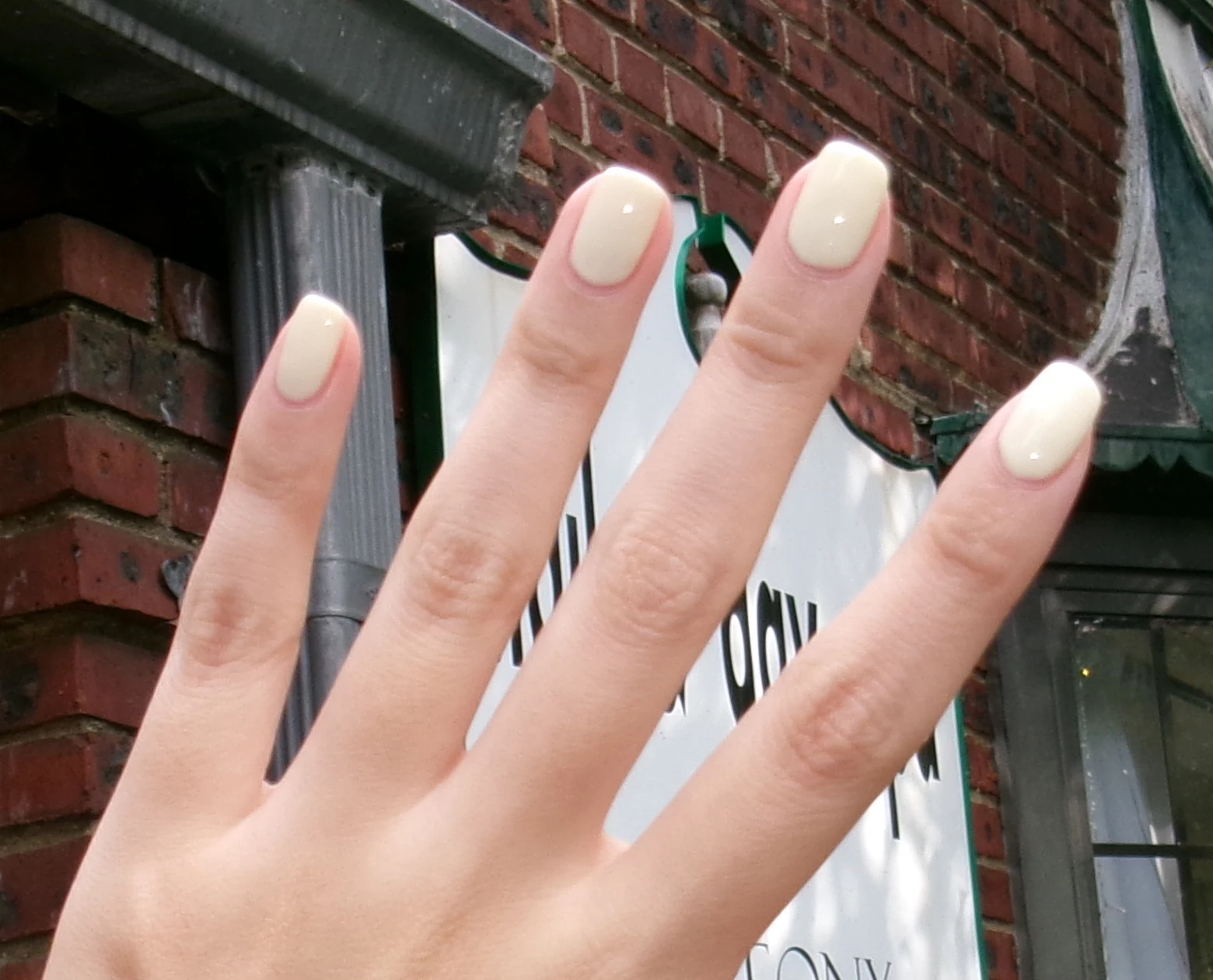
Take a photo of your nails, then try a color.
A LITTLE PREVIEW
A classic, turned up.Cherry gloss
01 / 04For your photo, use even light and show the back of your hand.
Photo tips
YOUR PHOTO
Find a color you love.
Tap a shade to see it on your nails.
Try a few before you choose.
Sample photo
YOUR COLORCherry Crush
Tap a nail to add · drag to moveColors and finishes may look different in person.
TAP A SHADE TO TRY IT ON
Pick a color.
+ color picker
Cherry Crush#AC1830 · Reds
No shades found. Try another name or use the color picker.
Similar shades
Pick any colorUse the color picker or enter a color code+
Enter a six-digit color code, like #DDB8BE.
PATTERNS & FINISHES
Add a design.
For tips and patterns
TOUCH UP
Touch up an edge.
Paint fills a gap. Erase removes color from skin.
More tools
Keep each outline just inside the nail edge. Use Paint to fill a gap or Erase to remove color from skin.
PICK UP WHERE YOU LEFT OFF
Saved looks
Everything here stays on this device.
No saved looks yet.
Try a color, then tap Save look
to come back to it later.
More options
Paint
NEED AN IDEA?
Looks to try
Tap a look to try it on.